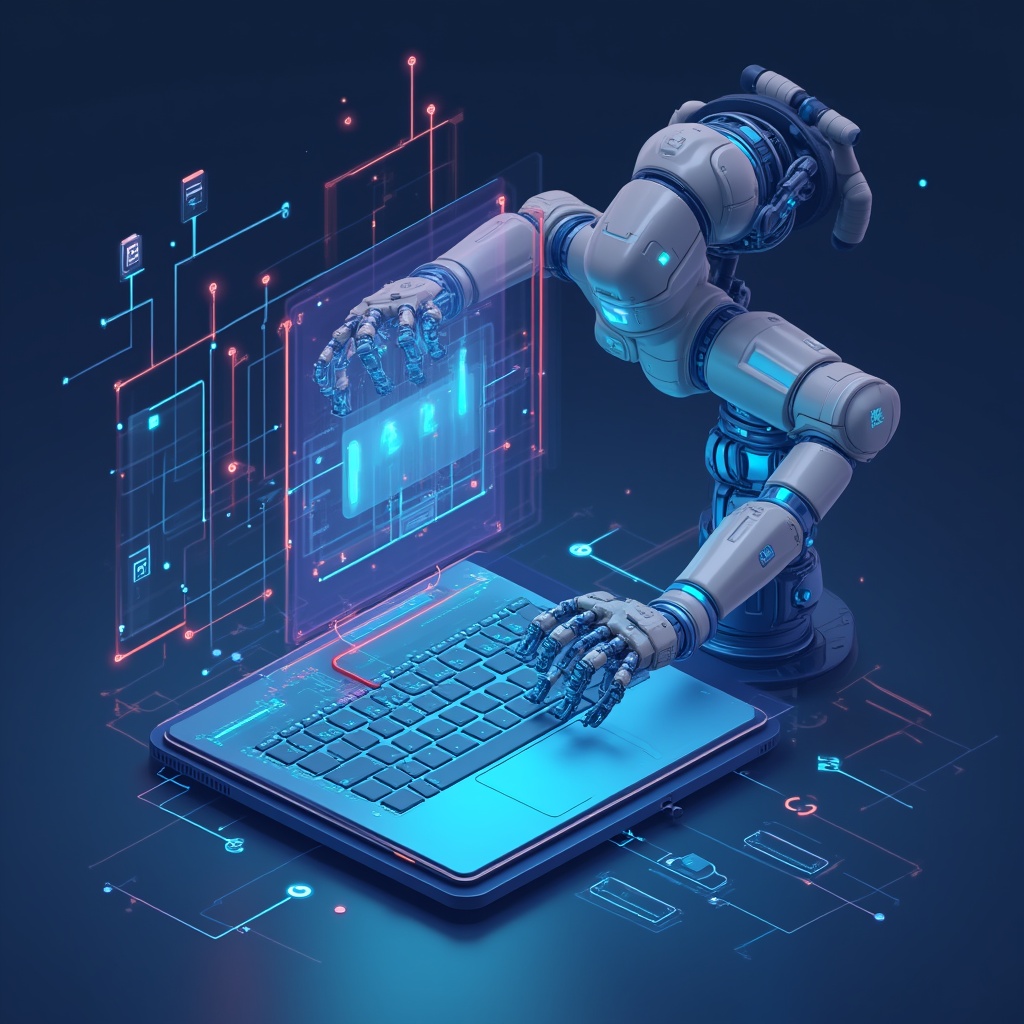
AI Web Automation uses intelligent software to handle repetitive web-based tasks—like data extraction, form filling, workflow orchestration, system integration, and reporting—without human intervention, giving teams more time to focus on strategy, creativity, and customer experience.
Picture this: you’re juggling three browser tabs, copy-pasting data from a spreadsheet into a CRM, manually triggering emails, and refreshing a dashboard every ten minutes to check order statuses. By lunchtime, your brain feels like scrambled eggs, and you haven’t even touched the work that actually requires thinking.
Now imagine a digital assistant that handles all of that—extracting data, updating records, sending notifications, syncing systems, and keeping your workflows moving—while you sip your coffee and plan your next big move.
That’s the promise of AI web automation. It is not just about saving a few clicks. It is about building digital operations that feel lighter, faster, and less dependent on repetitive manual work.
Let’s break it down.
What Is AI Web Automation?
At its core, AI web automation combines artificial intelligence with robotic process automation, workflow tools, browser automation, and system integrations to complete web-based tasks that humans used to do manually.
Think of it as teaching software to “see” a webpage, understand what needs to happen, and then carry out the steps—clicking buttons, filling forms, scraping data, triggering workflows, updating records, or sending alerts—just like a person would, but faster and without typos.
Unlike older automation tools that followed rigid scripts, AI-powered systems can adapt better to changes. If a website layout shifts, a field name changes, or a workflow needs a slightly different path, intelligent automation can often recognize the context and adjust.
It is the difference between a wind-up toy that crashes into walls and a smart vacuum that maps your living room.
Key Components of AI Web Automation
- Intelligent data extraction: AI reads and pulls information from websites, PDFs, emails, forms, and databases without needing every field to be manually copied.
- Workflow orchestration: Automation platforms connect apps so actions in one system can trigger responses in another.
- Browser automation: Software can open pages, click buttons, fill forms, download files, and complete repetitive web actions.
- AI decision-making: Machine learning and language models can classify data, summarize content, route requests, and choose the next step in a process.
- System integration: APIs and connectors allow your CRM, store, dashboard, email platform, and internal tools to work together instead of living in separate islands.
Here’s the simple version: if you find yourself doing the same web-based task more than twice a week, there is probably an automation workflow that can handle at least part of it for you.
Why AI Web Automation Matters for Your Business
Efficiency is not just a buzzword. It becomes survival when your team is drowning in tabs, spreadsheets, emails, and repetitive admin work.
Businesses that use AI web automation do not only save time. They reduce errors, respond faster, and create more room for the work that actually needs human judgment.
Cost Reduction Without Turning the Team Into Robots
Automating repetitive web operations can reduce operational waste because people stop spending hours on low-value tasks. Research from McKinsey has also shown the broad productivity potential of generative AI across business functions, especially when it is connected to real workflows and operational tasks.
But the better way to think about AI automation is not “replace people.” It is “remove the boring part of the job.”
AI web automation can handle data entry, repetitive checks, basic routing, form submissions, status updates, and simple reporting. Your team can then focus on analysis, customer conversations, creative work, and decisions that need context.
Think of it like hiring an invisible intern who never sleeps, never complains, and never accidentally deletes the master file.
Speed and Scalability
Manual processes put a ceiling on growth.
If every new customer requires three people to onboard them over five days, your growth depends on hiring more people every time demand increases. AI web automation removes part of that ceiling by turning repeated actions into repeatable systems.
For example, instead of manually checking new orders, copying customer details, sending confirmation messages, and updating a dashboard, a workflow can do most of that automatically.
This matters for stores, SaaS products, agencies, service companies, and any business that uses a mix of forms, dashboards, emails, spreadsheets, and web apps.
Error Reduction and Compliance
Humans make mistakes, especially when bored or rushed.
A misplaced decimal in a payment form, a missed follow-up, a copied email address with one wrong character, or a skipped compliance check can create real problems.
AI web automation helps reduce those mistakes by following the same logic every time and keeping a clearer record of what happened.
Unlike your colleague who swears they “definitely sent that email,” automation leaves receipts.
If your business is already exploring AI, automation, or custom systems, this connects naturally with broader software, AI, and automation services that turn scattered manual work into structured digital workflows.
How AI Web Automation Works Without the Jargon
You do not need a computer science degree to understand AI web automation. The idea is simple: take a repetitive web task, describe the steps, connect the tools, add AI where judgment or interpretation is needed, then monitor the result.
Step 1: Identify the Repetitive Task
Start by mapping the web-based tasks that follow predictable patterns.
For example:
- Extracting leads from a website or directory.
- Copying form submissions into a CRM.
- Updating inventory across platforms.
- Monitoring competitor pricing.
- Sending follow-up emails after a customer action.
- Generating reports from multiple dashboards.
- Downloading files from a portal and organizing them in folders.
Ask yourself: If I taught this to a smart intern, could they do it without asking questions every two minutes?
If the answer is yes, the task is probably automatable.
Step 2: Choose the Right Automation Approach
Different tasks need different tools. Not every workflow needs a big custom system, and not every business can rely only on simple no-code tools.
- No-code workflow platforms are useful for connecting apps and triggering actions between tools.
- RPA tools are useful for browser-based tasks where a system needs to click, fill, copy, or download.
- AI agents can help when the task requires reading, classifying, summarizing, or deciding between options.
- Custom software becomes useful when the workflow is too specific, too sensitive, or too important to run on generic templates.
Think of it like choosing a vehicle. A bicycle works for short trips, but you need a truck if you are hauling furniture.
For businesses that need something more specific than a ready-made automation template, custom software development can connect AI, dashboards, APIs, internal tools, and business workflows in one practical system.
Step 3: Train the System or Define the Logic
Some automation workflows are rule-based. For example:
When a new contact form is submitted, send the data to the CRM, notify the sales team, and add the lead to a follow-up list.
Other workflows need AI. For example:
Read this customer message, understand the intent, classify the request, and send it to the right department.
Modern AI automation can combine both: rules for structure, AI for interpretation, and integrations for execution.
Step 4: Monitor, Optimize, Iterate
Let’s pause for a sec: automation is not “set it and forget it.”
Websites change. APIs update. Business rules evolve. A form field gets renamed. A login process changes. A dashboard loads slower than usual.
The best automation setups include alerts, logs, and regular reviews. If a workflow fails, takes longer than expected, or produces strange results, you need to know quickly.
Pro tip: start small. Automate one annoying task, measure the impact, then expand. Trying to automate your entire operation on day one is going to lead to chaos, not efficiency.
Common Myths About AI Web Automation
Despite the hype, plenty of misconceptions still float around. Let’s clear up the biggest ones.
Myth #1: “It’s Only for Big Tech Companies”
Nope.
Small businesses, online stores, agencies, freelancers, and service companies use automation every day. You do not need a giant engineering team to automate customer notifications, lead capture, reporting, onboarding, or data cleanup.
If you use a browser and repeat the same task often, you have an automation opportunity.
Myth #2: “AI Will Replace My Entire Team”
AI web automation is usually best at the boring stuff: data entry, status checks, routine emails, simple routing, and repetitive web actions.
It does not replace creativity, judgment, empathy, negotiation, or strategy.
In fact, teams with automation often feel less buried because they spend more time on work that actually matters.
Think of it as upgrading from a shovel to an excavator. You still need skilled operators, but they can accomplish way more.
Myth #3: “It’s Too Complicated to Set Up”
Ten years ago? Sure.
Today, many platforms offer visual builders, templates, AI assistants, and ready-made integrations. Some automations can be built without writing code. Others need a developer, especially when you want a custom dashboard, secure integration, complex business logic, or a scalable SaaS-style workflow.
The key is not to choose the most advanced tool. The key is to choose the tool that matches the process.
Myth #4: “Once It’s Running, I’m Done”
Automation requires ongoing attention.
That does not mean babysitting it all day. It means reviewing logs, checking failed runs, improving prompts or rules, and updating workflows when your business changes.
The good news: maintaining a well-built automation usually takes minutes, while doing the task manually can take hours.
Real-World Examples of AI Web Automation
Let’s ground this in reality. Here is how different types of businesses can use AI web automation to solve actual problems.
E-Commerce: Inventory, Pricing, and Order Operations
Online retailers often deal with scattered systems: product pages, stock sheets, supplier portals, payment dashboards, shipping tools, and customer messages.
AI web automation can help by monitoring stock, syncing inventory, checking competitor prices, sending restocking alerts, updating order statuses, and notifying customers when something changes.
The result is not just fewer manual tasks. It is fewer angry customers asking, “Where is my order?”
Marketing and Sales: Lead Enrichment and Follow-Up
Marketing teams can automate lead capture from forms, enrich contacts using third-party sources, segment leads based on behavior, and trigger personalized follow-up sequences.
Sales reps then receive warmer leads with more context instead of opening a spreadsheet and wondering who to call first.
It is not magic. It is simply a workflow that stops good leads from getting buried under daily noise.
Finance: Invoice and Document Processing
Invoice processing used to mean: receive PDF, copy the data, check the vendor, route for approval, schedule payment, update the ledger, and hope nobody typed the wrong amount.
AI-enhanced automation can read invoice data, classify documents, detect missing fields, route approvals, and update financial systems.
Humans still review exceptions and make judgment calls. The system handles the repetitive middle.
Operations: Dashboards, Alerts, and Internal Tools
Many teams waste time checking dashboards manually.
Did the order import fail? Did the server respond slowly? Did a customer submit the wrong file? Did a workflow stop halfway?
Automation can monitor systems, send alerts, create tasks, and trigger follow-up actions before small problems become big ones.
This is where AI web automation becomes less of a “cool tool” and more of an operating layer for the business.
Customer Support: Routing and Response Assistance
Support teams can use AI to read incoming messages, classify urgency, summarize the customer problem, suggest replies, and route the ticket to the right person.
That does not mean the customer receives robotic nonsense. The best setup is human plus AI: automation handles sorting and preparation, while the support team keeps the human tone.
Practical Steps to Get Started with AI Web Automation
Ready to dive in? Here’s a simple roadmap.
1. Audit Your Current Workflows
Spend a week tracking repetitive web tasks.
Write down:
- What task is repeated?
- How often does it happen?
- How long does it take?
- Which tools are involved?
- What happens if someone makes a mistake?
Prioritize high-frequency, low-complexity tasks first. These are usually the easiest automation wins.
2. Start with One Simple Workflow
Do not try to automate everything at once.
Pick something small but annoying, like:
- Sending a notification when someone fills out a contact form.
- Adding new leads to a CRM.
- Saving form data into a spreadsheet.
- Creating a task when a customer submits a request.
- Generating a weekly report from several sources.
Small wins build confidence. Big messy workflows on day one usually build headaches.
3. Measure the Impact
Track time saved, errors reduced, and team satisfaction.
If a workflow saves 30 minutes per day, that sounds small until you multiply it across weeks, months, and multiple people.
Also watch for hidden wins: faster response times, fewer forgotten tasks, cleaner data, and better visibility.
4. Expand Strategically
Once the first automation works, move to the next bottleneck.
Maybe it is customer onboarding. Maybe it is reporting. Maybe it is data migration. Maybe it is syncing information between your store, CRM, and internal dashboard.
Use the same method: audit, automate, measure, improve.
5. Connect Automation with Your Existing Systems
AI web automation works best when it connects the tools you already use: CRM, project management, accounting, communication tools, store platforms, and internal dashboards.
You do not always need to replace your current systems. In many cases, the smarter move is to build a layer that connects them.
If your workflow has moved beyond simple templates and you need a practical implementation plan, you can contact JustOnePrompt to discuss the process, tools, and best build approach before investing in the wrong solution.
The Future of AI-First Operations
We are moving from isolated automation experiments to AI-first operational frameworks.
Instead of building one workflow here and another workflow there, businesses are starting to think about operations as connected systems.
Agentic AI is part of that shift. These systems do not just follow “if this, then that” logic. They can understand a goal, plan steps, use tools, and adjust when something changes.
In plain English: you tell the system what you want to achieve, and it helps figure out how to get there.
This does not mean every business needs a fully autonomous AI agent tomorrow morning. Most businesses should start with practical automation first: clear workflows, clean data, safe approvals, and measurable results.
Then, as the business matures, AI can take on more complex decision support and multi-step execution.
What’s Next? Keep Learning and Experimenting
AI web automation is not a one-time project. It is an ongoing evolution.
As your tools improve and your processes mature, you will find new opportunities to automate, optimize, and simplify the way your team works.
Start small. Measure everything. Keep the human parts human. Let automation handle the repetitive parts that drain your time and attention.
The teams that win are not always the ones with the fanciest tools. They are the ones that build a culture of continuous improvement, where every repetitive task is seen as a chance to save time, reduce errors, and create more space for valuable work.
Your digital operations will not transform overnight. But with each small automation win, your team becomes a little faster, a little calmer, and a lot less buried in busywork.
That is the real value of AI web automation: not replacing people, but giving them their focus back.