


Power Automate Generative Actions connect AI language models with workflow automation capabilities, enabling intelligent systems to understand requests, plan responses, and execute multi-step processes across business systems autonomously. Implementation involves configuring AI flows, setting up connectors, and establishing proper governance frameworks.
The Future of Workflow Automation Is Here (And It’s Eerily Smart)
The first time I watched my Power Automate flow execute a complex series of tasks based on a simple text prompt, I literally sat back in my chair and whispered, “Well, that’s slightly terrifying.” Not because anything went wrong—quite the opposite. The AI understood exactly what I wanted, planned out the necessary steps, and executed them flawlessly across three different systems without me clicking a single button.
It’s one of those technological moments where you realize we’ve quietly crossed a threshold. We’ve gone from “Hey AI, write me a poem about cats” to “Hey AI, analyze these customer complaints, identify the common issues, create a summary report, and email it to the department heads with appropriate action items.”
And it just… does it.
Let’s break down how this magic actually works, and more importantly, how you can implement it yourself.
What Are Power Automate Generative Actions?
Power Automate Generative Actions represent Microsoft’s integration of large language models (LLMs) with workflow automation capabilities. Unlike traditional AI that simply responds to prompts with text, generative actions allow AI to:
- Understand complex user requests
- Plan appropriate sequences of actions
- Execute those actions across multiple systems
- Complete entire workflows autonomously
At its core, this technology connects the reasoning capabilities of generative AI with the execution power of Power Automate’s workflow engine. The result is someting close to a digital employee who can interpret requests, determine what needs to be done, and then actually do it.
The Technical Foundation
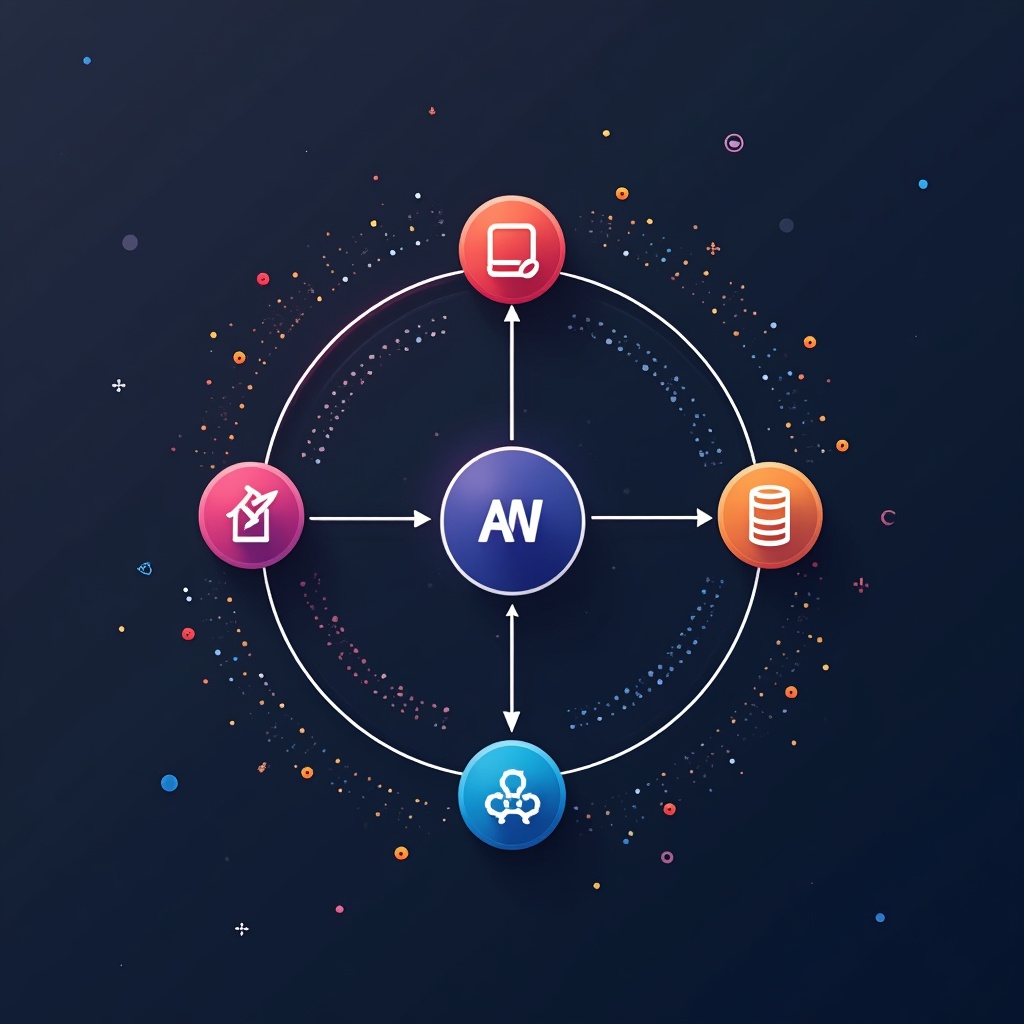
Power Automate Generative Actions rely on several key technological components:
- Agent Flows: The framework for creating AI agents capable of executing multi-step workflows
- Generative Actions: Capabilities that let AI dynamically plan and execute automation steps
- Connectors: Pre-built or custom integration points with various systems and services
- Plugin Actions: Specialized components that generate contextual responses based on data
Why Generative Actions Matter for Your Business
According to McKinsey research, generative AI and related technologies could potentially automate 60-70% of current employee activities. That’s not just impressive—it’s transformative.
The business implications are profound:
- Massive productivity gains across departments
- Reduction in manual, repetitive tasks
- Faster response times for customers and stakeholders
- More consistent execution of business processes
- Freeing human employees to focus on creative and strategic work
Learn more in
Random Python: Generate Better Test Data for Automation
.
The Shift from Conversation to Action
What makes generative actions revolutionary is the transition from AI that simply talks to AI that acts. This evolution follows a clear progression:
- First generation: AI generates content (text, images) on request
- Second generation: AI understands context and provides more relevant responses
- Third generation: AI plans sequences of operations to achieve goals
- Fourth generation: AI executes those plans by interfacing with actual systems
Power Automate Generative Actions sit at that fourth level—where AI crosses from the realm of information into the realm of action.
Implementing Generative Actions: A Step-by-Step Guide
Ready to bring this technology into your organization? Here’s how to get started:
1. Set Up Your Environment
- Ensure you have the appropriate Power Automate license with AI capabilities
- Enable Copilot Studio or similar AI functionality in your tenant
- Verify you have admin rights to create flows and connectors
2. Create Your First Agent Flow
Begin by creating a new agent flow in Microsoft Copilot Studio or directly in Power Automate:
- Navigate to the Power Automate portal
- Select “Create” and choose “Agent Flow”
- Define your trigger (e.g., when a specific phrase is detected, when a form is submitted)
- Configure the AI model settings and permissions
3. Configure Generative Actions
This is where you define what your AI agent can actually do:
- Add system connectors to applications like SharePoint, Teams, or Outlook
- Create custom connectors to your proprietary systems if needed
- Define action parameters and expected outputs
- Set up appropriate authentication methods for each system
4. Establish Governance and Security
Before letting your AI agents loose in your environment, establish proper controls:
- Set clear permission boundaries for what actions can be performed
- Implement approval steps for high-risk operations
- Create audit trails for all AI-initiated actions
- Test thoroughly in a sandbox environment
5. Train and Refine
Your generative actions will improve with proper training:
- Provide sample prompts and expected outcomes
- Review and correct AI plans before execution initially
- Document successful patterns for reuse
- Continuously refine based on performance data
Common Myths About Generative Actions
Myth #1: “It’s Just Chatbots with Extra Steps”
Reality: Generative actions fundamentally differ from chatbots. While chatbots respond to queries with predetermined or generated text, generative actions understand intent, create execution plans, and physically perform actions across systems—like updating databases, sending emails, or generating reports.
Myth #2: “You Need to Be a Developer to Implement It”
Reality: Microsoft has designed Power Automate with a low-code approach. While technical knowledge helps, business analysts and process experts can implement many generative actions using the visual designer and pre-built connectors.
Myth #3: “AI Will Make Unpredictable Changes to Systems”
Reality: Properly implemented generative actions include governance frameworks that limit what the AI can do. Actions can require human approval for sensitive operations, and comprehensive logging ensures accountability.
Myth #4: “It’s Just a Passing Trend”
Reality: McKinsey’s research showing 60-70% automation potential indicates this is a fundamental shift in how work gets done. Organizations already implementing these technologies are seeing substantial productivity gains.
Real-World Examples of Generative Actions
Customer Support Automation
Nsure.com implemented generative AI with Power Automate to transform their customer contact processes. When customers submit inquiries, the AI:
- Analyzes the content of the message
- Categorizes the request type
- Retrieves relevant customer data from their CRM
- Drafts an appropriate response
- Either sends it automatically for simple queries or routes complex cases to the right specialist
The result: Response times dropped from hours to minutes, and customer satisfaction scores increased by 24%.
Financial Report Generation
A financial services firm implemented generative actions to streamline their monthly reporting process:
- The system is triggered on a schedule or by request
- It pulls data from multiple financial systems
- Analyzes trends and anomalies
- Generates narrative explanations for key findings
- Compiles everything into a formatted report
- Distributes it to stakeholders with customized highlights
What previously took a team of analysts three days now happens overnight with minimal human oversight.
Learn more in
N8N Workflow: Building Powerful Automations Step-by-Step
.
HR Onboarding Workflow
A tech company transformed their employee onboarding with generative actions:
- When a new hire is confirmed in the HR system, the AI is triggered
- It automatically provisions accounts across all necessary systems
- Creates personalized onboarding materials based on the role
- Schedules introductory meetings with key team members
- Sends welcome communications with relevant training resources
The process reduced onboarding time by 65% while improving consistency and new hire satisfaction.
Challenges and Considerations
While generative actions offer tremendous benefits, there are important considerations:
Technical Challenges
- Integration complexity with legacy systems
- Performance bottlenecks with large-scale implementations
- Need for fallback mechanisms when AI encounters unexpected scenarios
Governance Considerations
- Establishing clear boundaries for AI agency
- Creating approval workflows for sensitive operations
- Building comprehensive monitoring and audit capabilities
Change Management
Perhaps the most significant challenge isn’t technical but human. Employees may feel threatened by automation technologies. Successful implementation requires:
- Clear communication about how AI will augment rather than replace human work
- Training programs to help employees become AI supervisors and trainers
- Recognition that the goal is to eliminate tedious tasks, not valuable roles
What’s Next for Generative Actions?
The field of generative actions is evolving rapidly. Here are emerging trends to watch:
- Cross-platform agents that can work across organizational boundaries
- Self-improving workflows that analyze their performance and suggest optimizations
- Specialized vertical solutions for industries like healthcare, finance, and manufacturing
- Enhanced explainability features that make AI decision-making more transparent
As these technologies mature, we’ll likely see generative actions become as fundamental to business operations as email and spreadsheets are today.
Getting Started Today
If you’re ready to explore generative actions in your organization:
- Start small with a well-defined, low-risk process
- Assemble a cross-functional team including both technical and business stakeholders
- Create a sandbox environment for experimentation
- Measure results carefully and iterate based on findings
- Document successful patterns for wider implementation
Remember, the goal isn’t to implement AI for its own sake, but to identify and eliminate friction in your business processes. The best generative action implementations are often the ones you barely notice—they just make things work better.
Conclusion: The Intelligent Automation Revolution
Power Automate Generative Actions represent the convergence of two powerful technologies: generative AI and workflow automation. The result is nothing short of a revolution in how work gets done.
With the potential to automate up to 70% of current work activities, these technologies will reshape organizations, redefine jobs, and create new possibilities for efficiency and innovation. The question isn’t whether your organization will adopt these capabilities, but when and how.
Those who implement thoughtfully, with clear governance and a focus on augmenting rather than replacing human capabilities, will gain a significant competitive advantage in the years ahead.
Learn more in
Few shot prompting explained
.
Frequently Asked Questions
What are Power Automate Generative Actions?
Why are Generative Actions important?
How do I implement Generative Actions?
Is it safe to let AI take actions in my systems?
Best practical tip for implementing Generative Actions?
Related Posts ...




Comments are disabled